
Online IPTV in the UK: What to Know Before You Pay
Online IPTV means television delivered over the internet instead of through a dish or cable line. For UK viewers, that can sound simple enough, but the market in 2026 is crowded, messy, and full of mixed quality.
Some services are legal, well-supported, and easy to use. Others look cheap at first, then buffer, vanish, or raise licensing concerns. If you want live channels, catch-up TV, and on-demand content in one place, it helps to know what you’re paying for.
This guide cuts through the noise, so you can understand how IPTV works, what makes a service worth trying, and where the risks usually show up.
How online IPTV works for UK viewers
Online IPTV sends TV content through your broadband connection. So instead of a satellite signal or cable feed, your device streams channels and shows over the internet. For most people, the experience feels familiar: you open an app, pick a live channel or program, and press play.
That simplicity is a big part of the appeal. A smart TV app can handle it, but so can a Fire TV Stick, Android TV box, phone, or tablet. Many services also support catch-up TV, so if you miss a show, you can watch it later. Some add video on demand, which gives you movies and series alongside live channels.

What makes IPTV different from streaming apps
Netflix, BBC iPlayer, and NOW are built mainly around on-demand viewing. You choose a show, then watch when it suits you. Online IPTV often adds something those apps don’t focus on as much, live TV channels in one place.
That matters if you watch sports, rolling news, or normal channel schedules. It also helps if you want one app for different habits across the home. One person may want live football, while someone else wants a series from the catch-up library.
In other words, Online IPTV sits between old-school TV and modern streaming. It can feel more flexible than a cable package, yet broader than a single on-demand app.
Devices and internet speed you actually need
You don’t need a fancy setup, but you do need a stable one. Raw speed matters less than consistency. A fast line with weak Wi-Fi can still cause buffering.
A basic home setup usually includes:
- A smart TV, Fire TV Stick, Android TV device, phone, or tablet
- A solid broadband connection
- An app or player supported by your provider
- Good Wi-Fi, or better still, an Ethernet cable for the main TV
If several people are streaming, gaming, or downloading at once, playback can suffer. Ethernet often helps because it cuts out some of the weak spots in wireless signals. If Wi-Fi is your only option, keep the router close and avoid dead zones.
How to choose a safe and reliable IPTV service in the UK
Picking a provider is where most people make mistakes. A slick price alone means nothing. You need a service that is clear about what it offers, how billing works, and what support looks like after you pay.
Start with the basics. Does the site explain supported devices? Can you see prices without sending a message first? Is there a working contact method? A good provider doesn’t hide simple facts. It tells you what channels or features are included, what the limits are, and whether a free trial or short-term plan is available.

Signs a provider is worth your money
Trust often shows up in small details. Clear contact details matter. Straightforward billing matters too. If the provider has active support, simple setup guides, and honest feature descriptions, that’s a good sign.
Free trials can help, but short paid trials can be fine as well. The main thing is transparency. You should know which devices work, whether catch-up is included, and if one account covers more than one screen.
Good services also avoid grand promises. If a provider says every channel works perfectly all the time, take that with caution. Streaming depends on apps, servers, and your home network, so honest providers leave room for real-world limits.
Red flags that should make you pause
Some warning signs are easy to spot. Vague websites are one. So are giant channel claims with almost no detail behind them. If pricing changes in private messages, or payment methods feel odd, step back.
Poor reviews can also tell a story, especially when the same issues repeat. Complaints about vanished support, endless buffering, or accounts that stop working after payment should not be brushed aside.
If a deal looks wildly better than every other option, the risk usually sits somewhere in the fine print, or outside it.
A refund policy won’t solve every problem, but the lack of one says a lot. The same goes for providers that pressure you to buy a full year before you’ve tested anything.
Legal and licensing basics every buyer should understand
Not every Online IPTV offer available to UK viewers is legal. That doesn’t mean Online IPTV itself is a problem. It means content rights matter.
Before paying, look for services that are open about where their content comes from and what rights they hold. If those details are missing, or the provider avoids the topic, treat that as a warning. This isn’t legal advice, but it is common sense. When a service is upfront about licensing, you’re less likely to run into sudden shutdowns or other headaches.
Getting the best viewing experience at home
Once you’ve chosen a service, setup makes a bigger difference than many people expect. Small fixes can improve picture quality and reduce buffering without spending much.
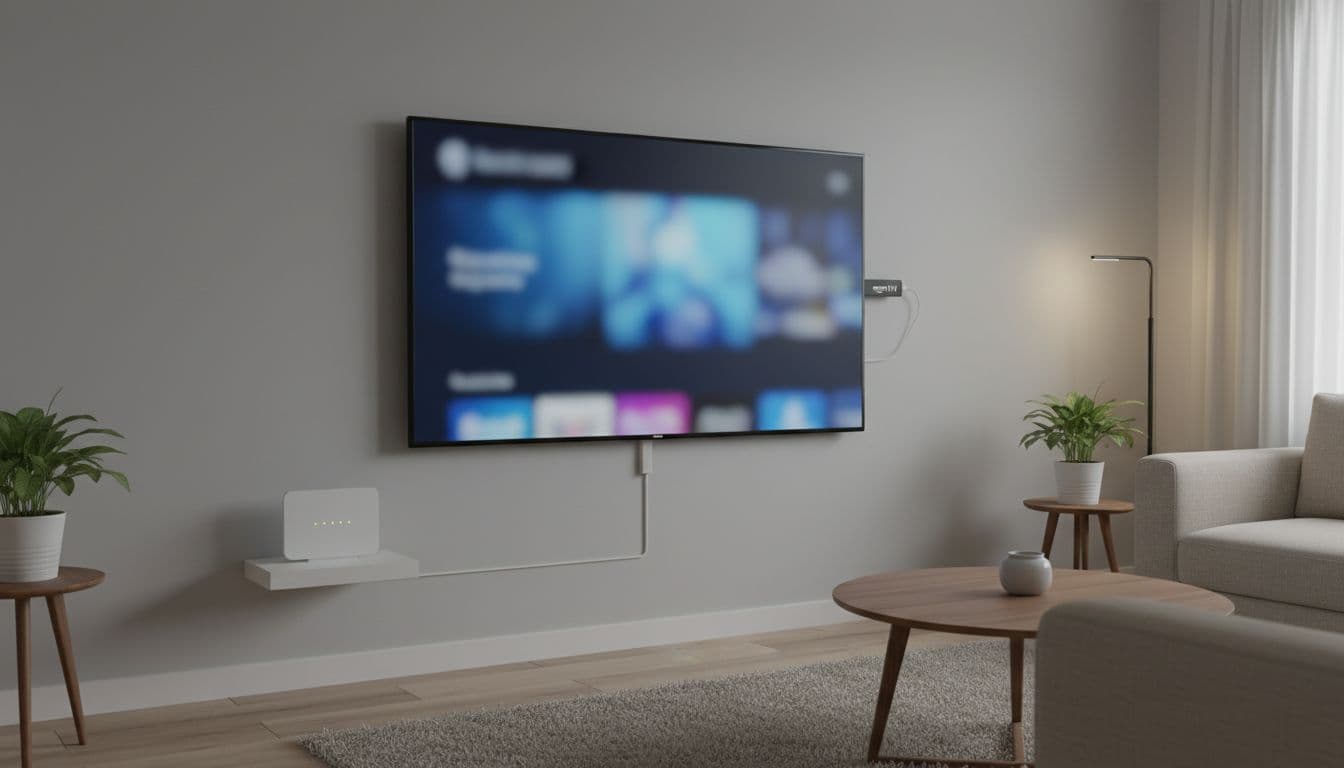
Easy setup tips for smoother playback
Start with a clean setup. Restart the router, update the Online IPTV app, and close heavy downloads on other devices. If your main TV sits near the router, use Ethernet. That one change often helps more than upgrading your package.
It also pays to test at busy times. A service that runs well at noon may struggle during a major football match. So try live channels, catch-up, and on-demand content before paying for a long term plan.
A few simple checks can solve most common issues:
- Reboot the streaming device and router
- Update apps and system software
- Reduce other traffic on the network
- Try wired internet for the main screen
Features that make daily use easier
The best Online IPTV services aren’t only about channel counts. Ease of use matters more after the first week. A clear TV guide helps you find what’s on without hunting around. Favorites make repeat viewing faster, especially for families.
Catch-up TV is useful for busy homes because nobody watches on the same schedule. Multi-device support helps when one person wants the living room screen and another wants a tablet in the kitchen. Parental controls also matter if children use the service.
Those small features save time. They also make the whole setup feel less like a workaround and more like a proper home TV service.
Conclusion
Online IPTV can be a smart option for UK viewers who want more flexibility than old-style TV packages. The key is choosing with care, not chasing the cheapest headline price.
If you understand how Online IPTV works, test services before committing, and pay attention to clear value, you’ll avoid most of the common problems. In a crowded market, smart research still beats flashy promises.