
IPTV HD Android Germany 2026 : Legal Services And Setup Guide.
IPTV HD Android Germany 2026 usually means you want smooth live TV, German channels, clear picture quality, and an Android setup that doesn’t take technical skills.
delivers television over the internet, but not every service has the licenses required to distribute its channels.
This guide focuses on legal providers, Android device compatibility, picture quality, setup steps, pricing, and basic safety checks. First, we’ll look at what to verify before choosing an service in Germany.
IPTV HD Android Germany: What Viewers Should Know in 2026
IPTV HD delivers television channels through an internet connection instead of cable, satellite, or terrestrial antenna signals. On Android TV, an app or authorized player receives the live stream from a licensed provider. Picture quality depends on the source, subscription, internet connection, device, and app, not only the word “IPTV HD ” in a service name.
Licensed IPTV HD platforms have permission to distribute their channels. Unverified services may offer copyrighted German channels without permission, so check the provider’s company details, terms, and supported apps before paying.
Which Android devices work best for German IPTV?
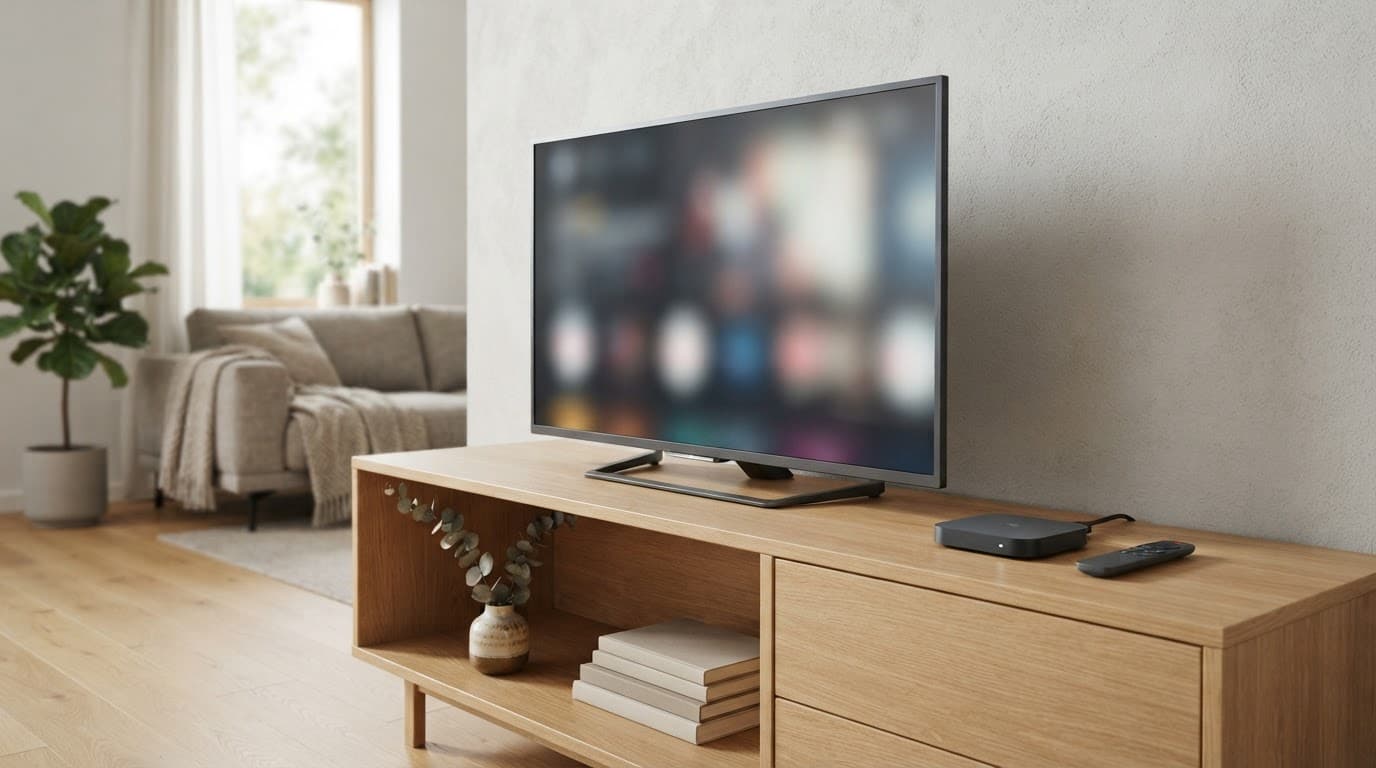
Android TV and Google TV televisions are usually the simplest choice because the operating system, remote, and app store are built in. Certified streaming sticks and Android TV boxes also work well when they include official Google Play access and receive regular security updates. Google’s Android TV platform information explains how compatible devices connect viewers with streaming services and apps.
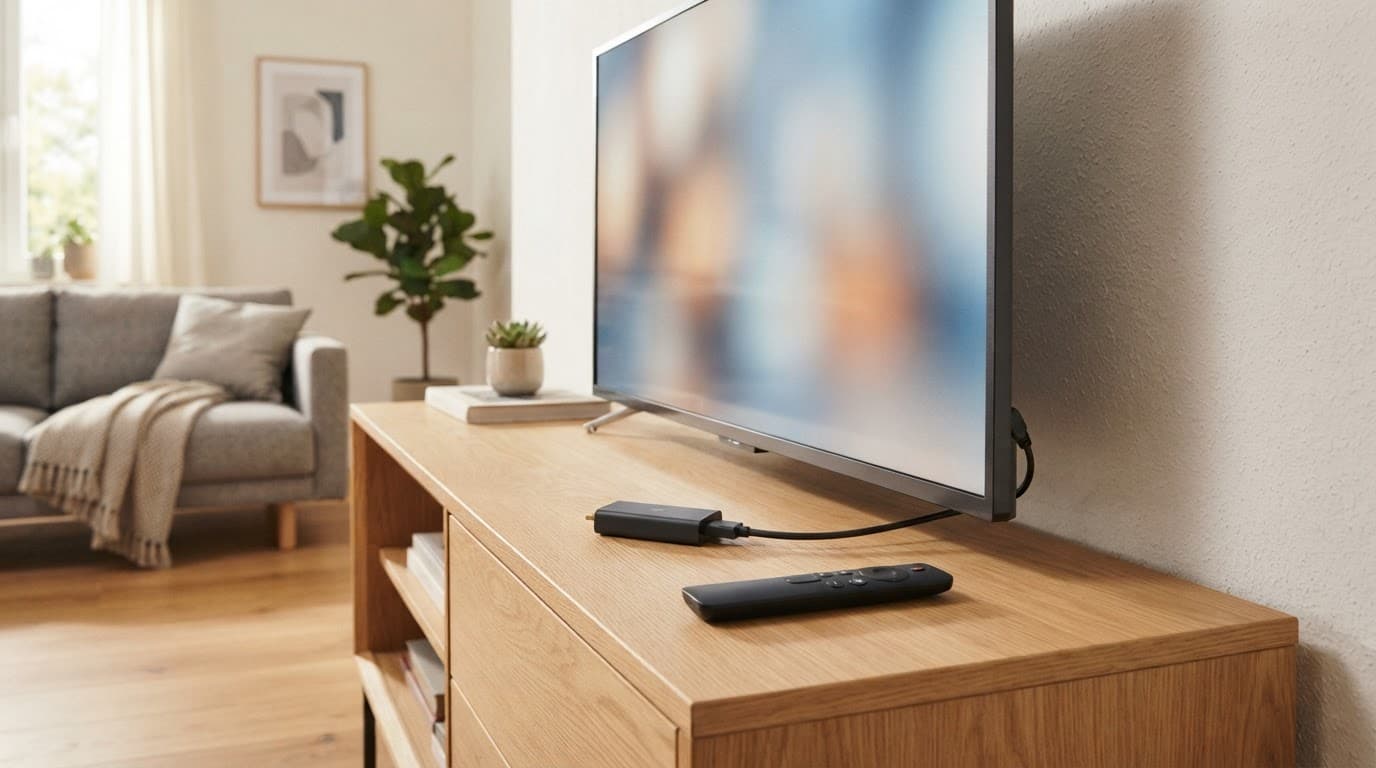
Regular Android phones and tablets can play IPTV HD through an authorized app, although screen size, battery use, and casting support may affect the experience. Before buying a device, check for:
- Google Play access and compatibility with the provider’s official app.
- Widevine DRM support, especially for services that protect IPTV HD or 4K streams.
- Current Android updates and a clear update policy.
- 4K and HDR support if your television and subscription provide those formats.
- Enough storage for apps, updates, and temporary stream data.
Cheap generic boxes can look attractive, but some have weak security, poor app support, outdated software, or no legal access to major streaming services. A certified device usually costs more upfront, yet it reduces compatibility problems and makes updates easier.
What IPTV HD streaming needs from your internet connection
One HD stream often needs roughly 5 to 8 Mbps, but provider requirements vary. Several household users need more capacity, while 4K streaming can require substantially higher speeds.
A stable connection matters more than a high headline speed. Place the router in an open, central position, use Ethernet for a fixed TV when possible, and replace an old router if it struggles with multiple devices. Wi-Fi interference, household congestion, weak signal strength, and high latency can all cause buffering even when a speed test shows a fast connection.
The Best Legal IPTV Options for Android TV in Germany
Legal IPTV HD in Germany usually comes through established TV providers and streaming platforms with official Android TV apps. Before subscribing, check the provider’s current 2026 offer, supported device list, licensing information, and regional availability.
Live TV platforms for German channels and popular networks
Services such as MagentaTV, waipu.tv, Zattoo, Joyn, RTL+, and HD+ may cover different parts of the German TV market. Depending on the package, you may find public broadcasters such as ARD and ZDF, private channels, news networks, sports, films, children’s programming, and international stations.
A platform like Zattoo’s German TV service focuses on live and time-shifted television across supported devices. Google TV also lists Joyn, waipu.tv, and Zattoo among the services that can provide live channels in Germany through its live TV interface. You can review the current Google TV live TV support for Germany before installing an app.
Channel lineups are not fixed across every plan. HD access, regional channels, sports rights, and private broadcaster availability can change by package, platform, and broadcaster. Some services may also limit certain programs outside Germany.
Live TV bundles are different from on-demand services. A live package follows a channel schedule and may include pause, restart, or replay features. Media libraries and streaming catalogs, including content associated with Joyn or RTL+, let you choose individual programs instead of watching a channel feed. Check whether your preferred service includes both formats or requires separate subscriptions.
How to compare price, contract terms, and picture quality
Compare the full subscription cost rather than the cheapest introductory price. Check these details before entering your payment information:
- The standard monthly price after any promotional period.
- Activation, equipment, or setup fees.
- The minimum contract term and cancellation deadline.
- Supported simultaneous streams and household device limits.
- Cloud recording storage, replay access, and pause functions.
- Advertising rules for live channels and on-demand programs.
- HD or Full IPTV HD limits, including plans that require a compatible subscription.
- App support, troubleshooting options, and customer service hours.
A low-cost trial may exclude private channels in IPTV HD or restrict recordings. Review the provider’s current 2026 plan page for exact prices, HD rules, device limits, contract conditions, and regional restrictions before choosing.
How to Set Up Legal IPTV on an Android TV Device
A legal IPTV setup starts with a certified Android TV or Google TV device and an active subscription from an authorized provider. Use the provider’s official app, follow its activation process, and avoid pirate playlists or unknown APK files.
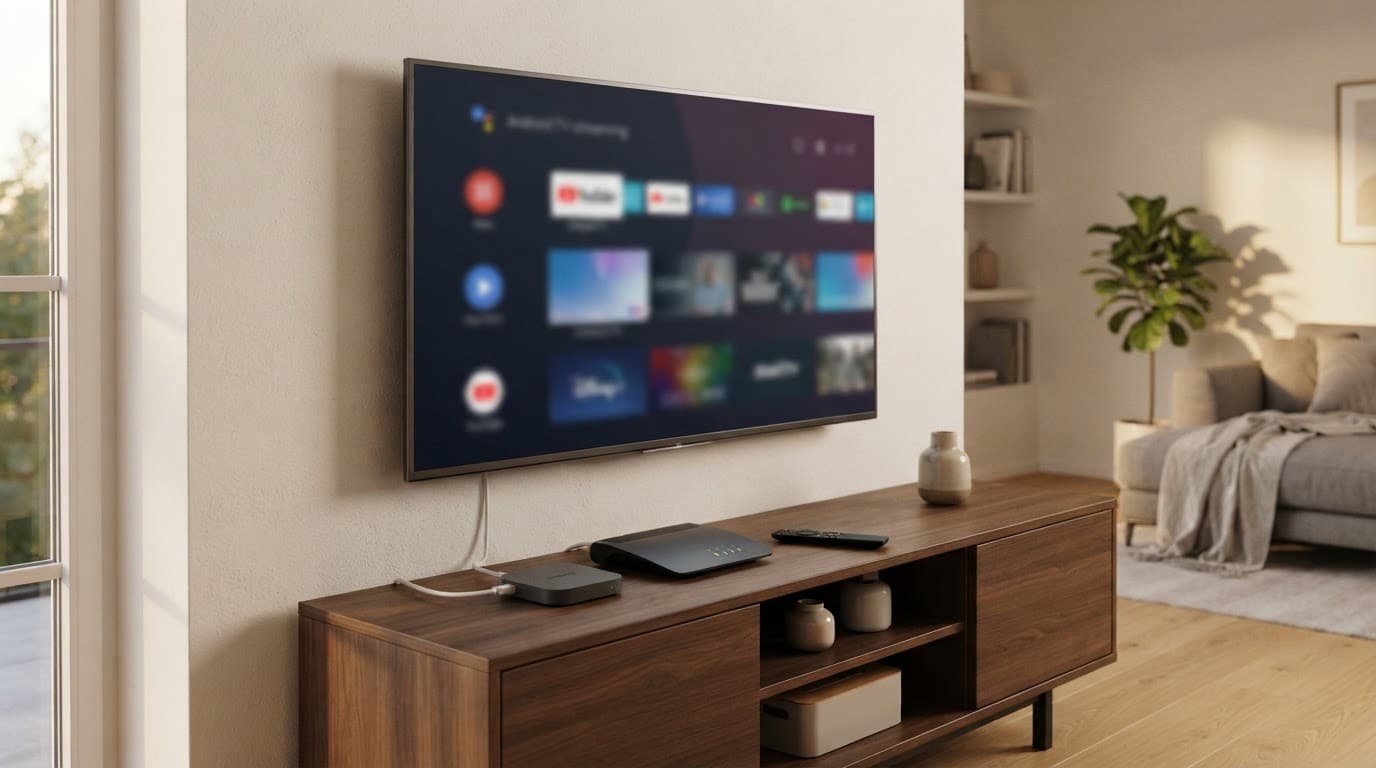
Connect the device to your TV and internet connection, then follow this order:
- Turn on the TV, connect the Android TV device, and complete the on-screen Google account setup.
- Open Settings and install available Android system updates. Then check Google Play for app updates.
- Search Google Play for the licensed provider’s official app and install it.
- Open the app and sign in with the email address and password linked to your subscription.
- If the provider displays an activation code, enter it only on the provider’s official website or activation page. Never share the code publicly.
- Review the app’s requested permissions. Allow only access that supports its features, such as network access or notifications.
- Select the correct video quality for your internet connection, then test several live channels before settling in to watch.
Fix buffering, black screens, and audio problems
Start by closing and reopening the app. If the problem continues, restart the Android TV device and router, then test another channel. A single channel may have a temporary source or regional issue.
For repeated buffering, move from crowded Wi-Fi to Ethernet if your TV and router support it. Also update the app, clear its cache, and confirm that your subscription and payment status are current. Lower the video quality temporarily if your connection is busy.
A black screen can result from DRM protection, an unsupported device, a regional restriction, or an expired login session. Missing audio may come from the TV’s sound output, an app setting, or a temporary stream error. Google’s Google TV troubleshooting guide covers connection checks, updates, restarts, and clearing app data.
Contact the licensed provider before changing advanced Android, DNS, or playback settings. Support can confirm device compatibility, account status, and regional rights.
Protect your account, payment details, and Android device
Install IPTV apps only through Google Play or the provider’s official download page. Unknown APK sites can distribute malware that steals login credentials, payment details, or personal files. Unofficial sellers may also advertise channels without permission, hide renewal terms, or stop working without warning.
Use a unique password for the IPTV account and turn on two-factor authentication when the provider offers it. Keep Android, Google Play, and the IPTV app updated so known security issues receive available fixes.
A VPN can protect your connection on public Wi-Fi, but it doesn’t make an unlicensed stream legal or override the provider’s terms. Use it for privacy where appropriate, while keeping your IPTV subscription and viewing method authorized.
How to Choose the Right Android IPTV Service in Germany
The right IPTV service depends on your viewing habits, household size, and preferred contract terms. Start with the channels and features you actually need, then confirm that the provider supports your Android device.
Red flags that signal an unsafe or illegal IPTV offer
Be cautious when a service promises premium sports, new movies, international channels, and thousands of stations for one unusually low fee. Legitimate providers pay for broadcasting rights, so a huge lineup at a few euros per month deserves careful scrutiny.
Other warning signs include:
- Cryptocurrency-only payments with no standard billing option.
- Missing company details, address, customer service information, or legal notice.
- Vague terms, unclear renewal rules, or no reliable cancellation method.
- Support handled only through a reseller, private chat, or social media account.
- Promises to bypass broadcaster blocks or keep working after enforcement action.
- Requests to install an unknown APK, custom player, or modified Android box.
A polished website proves nothing by itself. A large channel list also doesn’t confirm licensing. As Synamedia’s overview of illegal IPTV explains, unauthorized services often copy the appearance of legitimate streaming platforms.
Choose providers that publish clear company information, use official Android TV apps, explain their channel rights and billing, and provide normal customer support.
When a streaming stick, smart TV app, or TV box makes sense
Choose a built-in smart TV app when your television is recent, receives updates, and supports the provider’s official application. This option needs no extra hardware, but older TVs may lose app support sooner.
A certified Android TV or Google TV stick is a better fit when you want portability or a longer update life. Ethernet helps fixed televisions with weak Wi-Fi, while 4K support matters only when both your TV and subscription provide 4K content. Extra storage helps if you install many apps, and a voice-search remote is useful for large catalogs.
Match the device to your current internet plan and television. Avoid generic boxes chosen only for low prices or impressive specifications, since they may lack Google Play access, reliable updates, or proper DRM support.
Match the IPTV plan to your viewing habits
Use your household’s routine as the deciding factor:
- A basic low-cost plan fits viewers who mainly watch public channels and common live programming.
- A broad German bundle suits families that want more private, regional, news, and entertainment channels.
- A sports-focused package makes sense when specific leagues or competitions matter more than channel quantity.
- A no-contract plan gives you flexibility if you travel, move, or want to test the service first.
- Recording, pause, and replay features help households that rarely watch programs at their scheduled times.
Before paying, verify the provider’s identity, supported Android version, IPTV HD conditions, complete channel list, trial terms, cancellation process, and customer support options. If any answer is difficult to find, keep comparing.
Conclusion
IPTV HD Android Germany 2026 choice is a licensed German IPTV HD or live TV service with an official Android app, clear HD terms, reliable support, and pricing your household understands. Certified hardware, a stable internet connection, and basic account security usually matter more than an oversized channel list.
Before signing a long contract, compare current plans on the providers’ official websites and test app compatibility with your Android TV device. A service that fits your channels, budget, and equipment will provide a more dependable viewing experience.