
EPG IPTV : The best Guide for Live Channels
EPG IPTV, you can see channel names, show titles, start times, end times, descriptions, and often logos before pressing play.
That context helps you find live programs and plan for what follows. Below is how guide data works, how to add it, how to repair missing listings, and how to choose lawful sources.
What Is EPG IPTV and Why Does It Matter?
EPG IPTV means Electronic Program Guide. It is schedule metadata, not the video stream. An app matches it to channel entries, so you can browse what is live and what comes next.
An M3U playlist normally points to channel streams, while a separate EPG feed supplies the timetable. XMLTV is the common format, with channel and program entries. WURL’s XMLTV EPG format overview describes this channel, program, and schedule metadata.
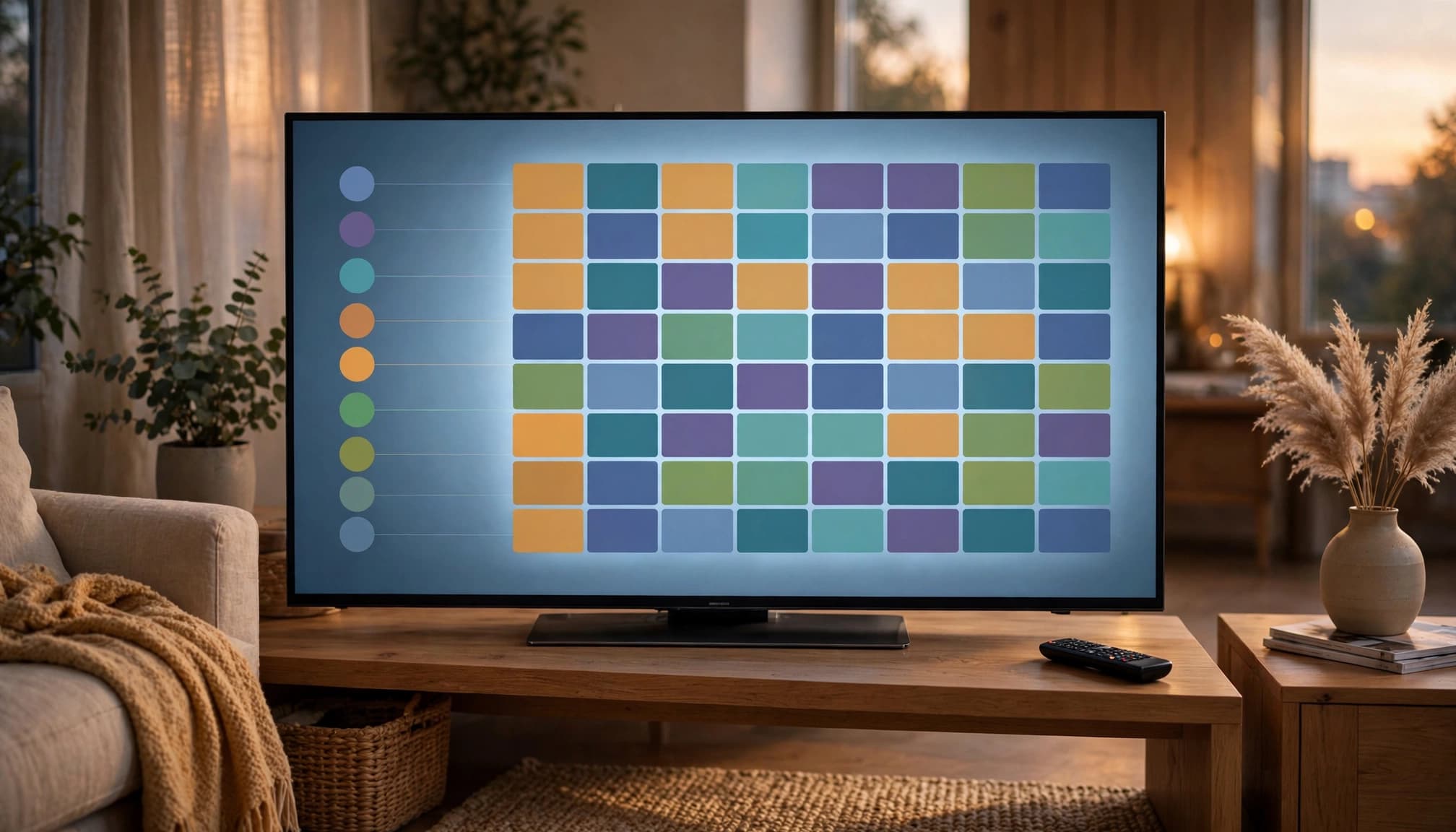
How IPTV EPG Data Works Behind the Scenes
A provider or public guide source gives you an XMLTV URL. An EPG IPTV app downloads that file, then matches its channel IDs to the IDs in your playlist. XMLTV schedule files organize these channel and program fields in XML.
Some services deliver the same information through an Xtream Codes login or a JSON API. A mismatched channel ID, expired feed, stale guide file, or wrong time zone can remove listings or put them on the wrong channel.
TiviMate, IPTV Smarters Pro, GSE Smart IPTV, and OTT Navigator are examples of apps that can display EPG data. Their guide handling and channel mapping options differ.
How to Set Up an IPTV EPG in Your App
- Choose a licensed IPTV provider, then get its M3U playlist and XMLTV or EPG IPTV URL.
- Open your app’s TV Guide or EPG settings, enter the feed, save it, and refresh or sync the guide.
- Give large guide files a minute to download. Xtream Codes accounts may load EPG data automatically, while M3U setups often need a separate guide URL.
If listings stay blank, refresh first. Then check the time zone, update the URL, confirm channel mapping, and verify that the app supports the feed. Incorrect labels usually point to mismatched channel IDs.
Choosing a Reliable EPG Source Without Legal Risk
Check coverage, update frequency, channel matching, time zone accuracy, language, uptime, and privacy practices before relying on a feed. You may encounter iptv-org, epg.pw, IPTV-EPG.org, Open-EPG, and epg.best. Verify current availability and terms before using any of them.
An EPG file only describes a schedule. It does not grant permission to watch a channel. Use IPTV services that clearly state their distribution rights, since unauthorized rebroadcasts of protected channels, sports, or films may be illegal.
Final Thoughts
EPG IPTV setup needs a working playlist, a compatible and regularly updated guide feed, and accurate channel mapping. Refresh the guide when schedules change, and replace unreliable feeds before assuming the app is broken.
With lawful services and accurate data, you can find live and upcoming programs quickly without scrolling through a confusing channel list.